

The AI Feature You’re Not Using (And Why It’s Costing You Time) – with Guest Mentor Annie Tsai
Annie Tsai, COO of Interact and author of The Business Side of AI newsletter, joins me to talk about why most people are using AI backwards—and the one step that makes everything downstream better.

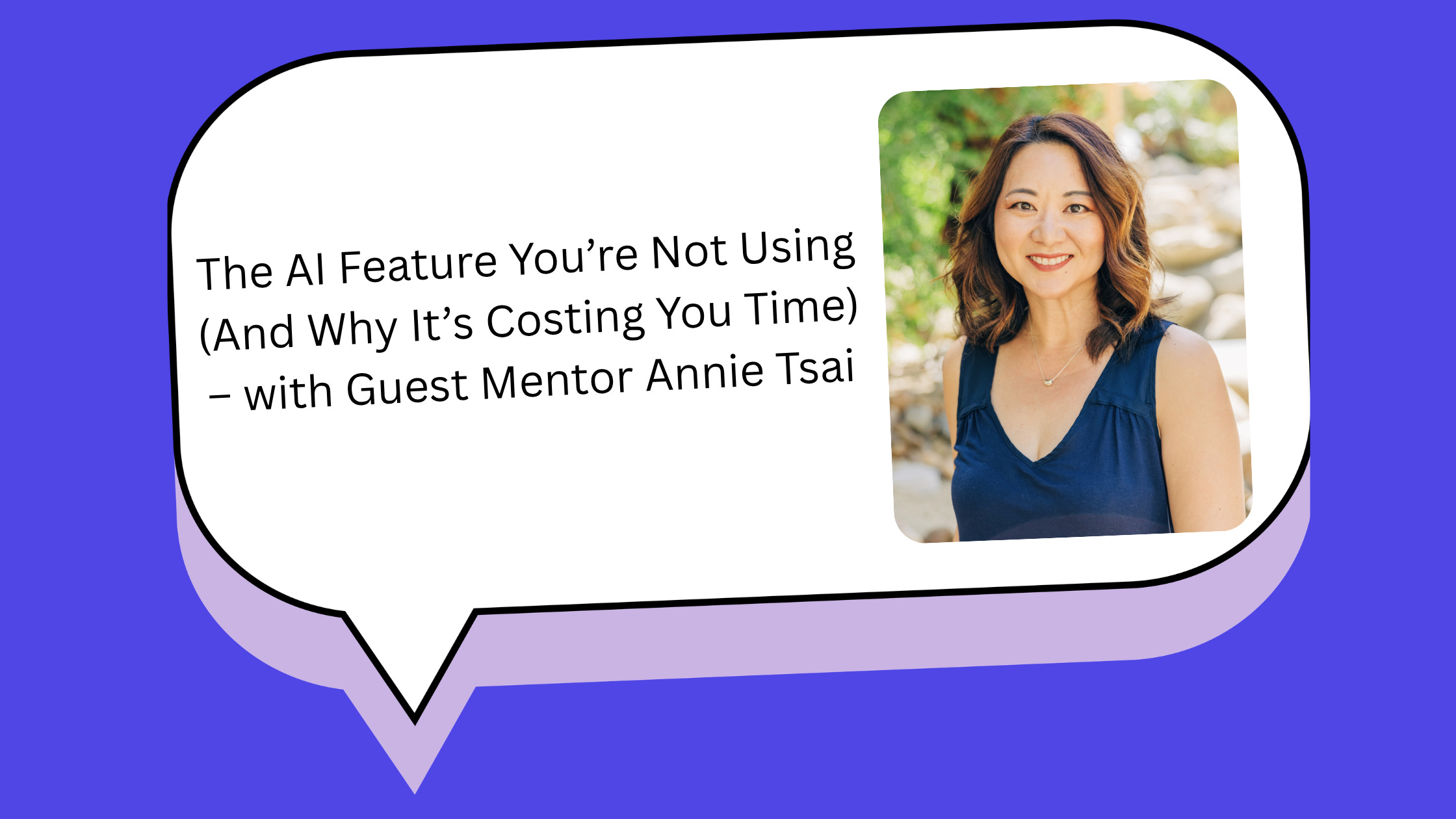
Annie Tsai is the Chief Operating Officer of Interact, Early-Stage Investor & Advisor, Author & Columnist, and Community Builder behind “The Business Side of AI” newsletter. In this conversation, we’re talking about the most powerful AI feature most people are skipping, and why starting with “doing” instead of “thinking” costs you more than you realize.
The difference between AI that makes you faster and AI that makes you better comes down to one step most people skip entirely: planning.
Cassie: You mentioned you spent International Women’s Day volunteering with first-time builders using AI tools. What did you notice?
Annie: The same thing kept happening. Someone would show me what they were working on, and they had started building without a clear problem statement. Sometimes they’d gotten so deep into one feature that they’d lost the thread of what the thing was even supposed to do.
Every single time, I asked: “Did you go into plan mode first?”
And every single time, I got uncertainty. Plan mode had never come up. They simply hadn’t been made aware this was an option.
I left wondering: if 150 motivated builders in one room had never heard of plan mode, how many millions are opening these tools every day and going straight to “doing” because no one told them there was another way to start?
Cassie: Explain plan mode and why it matters.
Annie: Plan mode is a real capability in most major AI tools, and most people have never used it.
In Lovable, there’s a “Plan” button. Click it before your first message, and instead of immediately generating an app, it asks clarifying questions about your vision, constraints, tradeoffs. It helps you explore approaches before anything is built.
In Cursor, you hit Shift + Tab to trigger it. In Claude and ChatGPT, there’s no button—you have to prompt your way into it. And that’s the problem, because most people don’t know to do it.
Cassie: This feels so foundational—something product managers know really well but most people skip entirely.
Annie: Exactly. The single most important lesson I keep relearning: the most expensive mistake you can make is solving the wrong problem efficiently.
In product, we call this being solution-focused versus problem-obsessed. Solution-focused is when you start building toward a feature. Problem-obsessed is when you slow down to ask—what problem am I solving, for whom, and how will I know when I’ve solved it?
Teams that skip this build things that are technically impressive and functionally off.
Teams that do this well ship faster, with less rework, and end up with products people actually use.
AI tools only accelerate this dynamic. If you’re problem-obsessed before you prompt, outputs are dramatically better. If you’re solution-focused, you generate your way into the wrong thing at unprecedented speed.
Cassie: For someone without a product management background, how do you actually do this?
Annie: Before I build anything meaningful with AI, I write a rough PRD—a product requirements document. It’s more a thinking document than a handoff doc.
I think through: what problem am I solving, who is it for, what does success look like, what are the constraints?
I work through that with my AI as a thought partner, not a builder. By the time I’m done, I have a brief I can execute against.
Every output downstream is better for it.
Cassie: What if your tool doesn’t have a “plan mode” button?
Annie: Here are prompts that shift the mode:
“Before we build anything, I want to make sure I’m focusing on the right problem. Ask me questions until you can summarize my actual goal, who it’s for, and what success looks like.”
“What assumptions am I making that are most likely to be wrong?”
“Help me write a one-page brief for this before we start. What do you need to know from me?”
“What am I probably not thinking about? What are the most common failure modes for something like this?”
Every one of these asks your AI to help you think before you ask it to produce. That’s the whole move.
Cassie: For someone who wants to start using AI this way, what’s one thing they could do this week?
Annie: Before you ask AI to write, build, or generate anything, spend fifteen minutes in planning mode.
If you’re building something: “I want to build [thing]. Before we write any code, help me work through the problem. Who has this problem? What have they tried? What does a good solution need to do?”
If you’re making a decision: “I’m trying to decide [decision]. Help me map the assumptions I’m making and identify the ones most likely to be wrong.”
If you’re creating content: “I need to write [piece]. Before you draft anything, help me get clear on the one thing I want the reader to feel or do.”
The planning conversation becomes the brief, the brief becomes the prompt, and the output much more closely meets your expectations.
Plan first, build second. Everything downstream gets better.
Cassie: Thanks, Annie. The most expensive mistake you can make is solving the wrong problem efficiently—and AI will help you do exactly that unless you slow down first.
Want more from Annie on using AI strategically? Subscribe to The Business Side of AI for practical insights that actually work in the real world.